DuckDB
DuckDB - In-process SQL OLAP Database Management System
MotherDuck - Serverless Data Warehouse for DuckDB
The SlashDB DuckDB connector adds support for DuckDB local file databases and MotherDuck hosted databases.
Installation and Configuration
SlashDB version >= 2.2.0 must be installed before the connector can be installed. If you don't have SlashDB yet, see the Installation documentation.
From System Package
If SlashDB was installed from the DEB or RPM package, or if you have SlashDB running from a virtual machine or cloud images, the easiest way to add DuckDB support is by downloading and installing the corresponding connector package of the same type.
Debian or Ubuntu
wget https://downloads.slashdb.com/versions/2.2.40/slashdb-duckdb_1.0.40_amd64.deb
sudo apt-get update
sudo apt-get install -y ./slashdb-duckdb_1.0.40_amd64.deb
Red Hat
wget https://downloads.slashdb.com/versions/2.2.40/slashdb-duckdb-1.0.40.x86_64.rpm
sudo dnf install -y ./slashdb-duckdb-1.0.40.x86_64.rpm
SlashDB will then automatically restart for the changes to take effect.
From Python Wheel
If SlashDB was installed as a Python package, it is recommended to install the DuckDB connector as a Python package in the same environment.
Available wheel packages:
Download and install the package that matches your version of Python, e.g.:
wget https://downloads.slashdb.com/versions/2.2.40/slashdb_duckdb-1.0.40-cp310-cp310-manylinux2014_x86_64.whl
/opt/slashdb/bin/pip install ./slashdb_duckdb-1.0.40-cp310-cp310-manylinux2014_x86_64.whl
After installation, SlashDB must be restarted manually.
Adding a Database Instance
-
In the menu, click on Database Connections, then click the New button in the top right corner

-
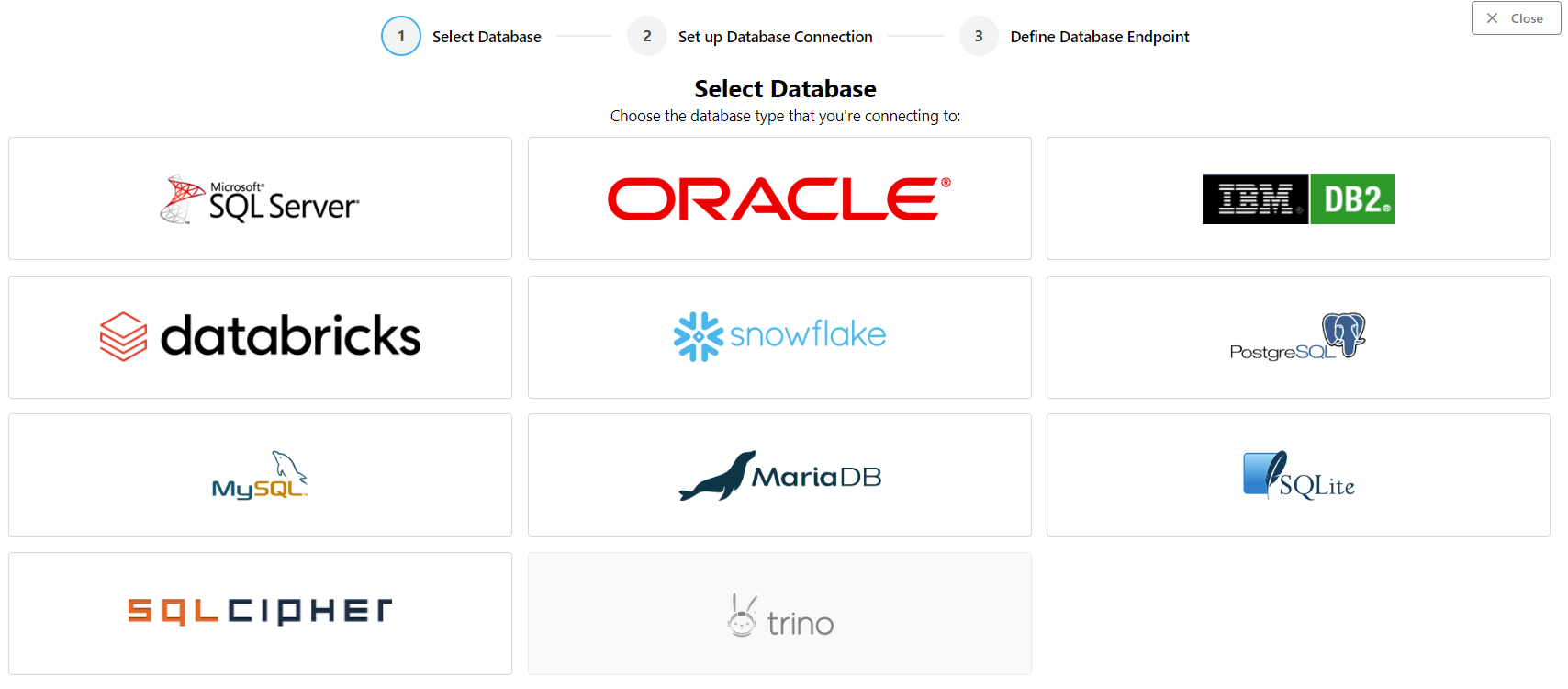
Select the DuckDB type from the database selection screen
-
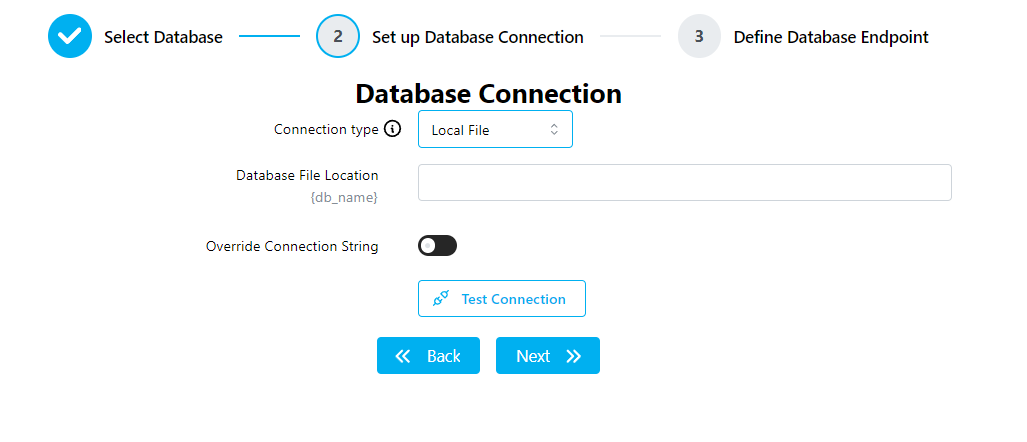
Fill in the configuration details for your database, then click the Next button
For a DuckDB local file database, use the Local File Connection Type.
For a MotherDuck database, use the MotherDuck Connection Type.
Important
You will need to create a MotherDuck account and generate an API token to access your databases.
The Database Name can be a MotherDuck database or a share URL(e.g.
_share/product_list/7cfc5d8e-3fb0-4837-b486-9a5f0595bedc) with themd:prefix omitted.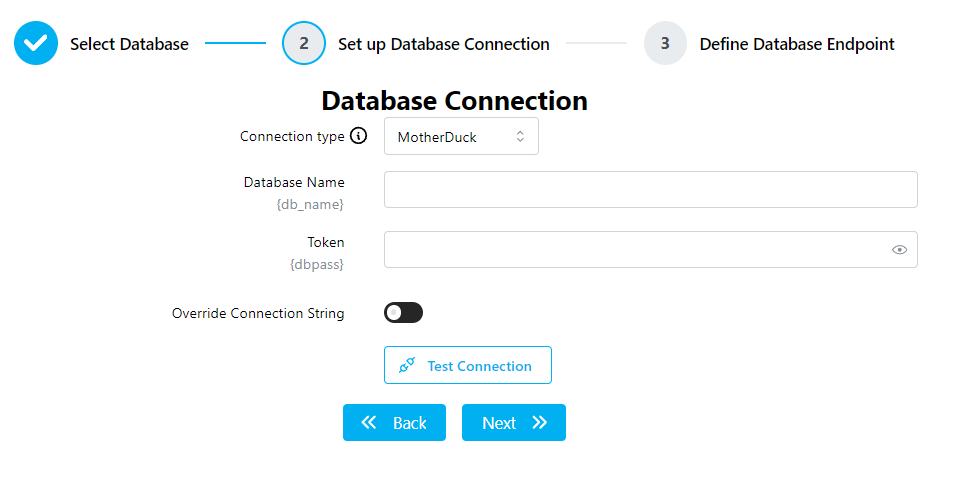
-
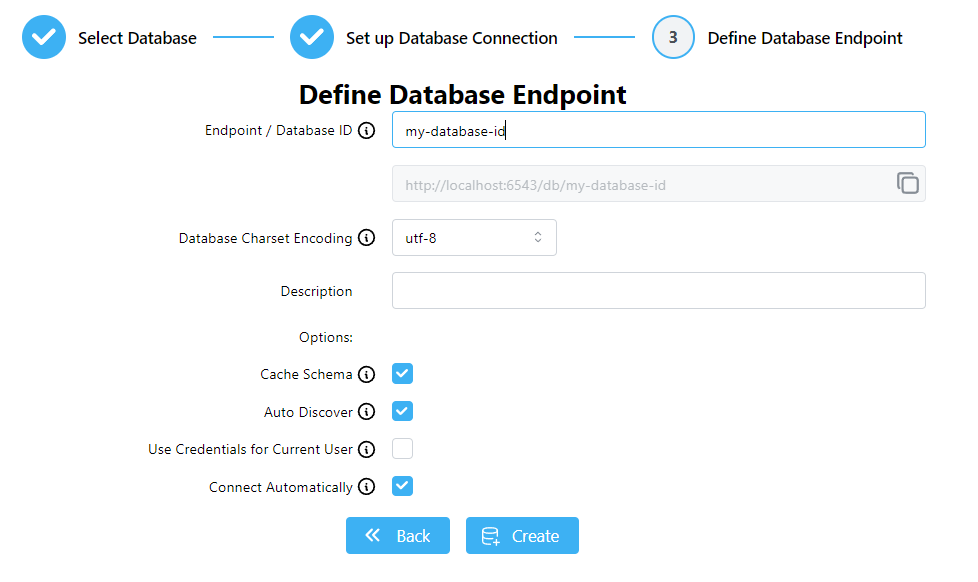
Set the database ID and other options for your database connection, then click the Create button
Editing a Database Connection
To edit an existing database connection, go to the Database Connections list and click the Edit icon in the Actions column, or click on the database ID.
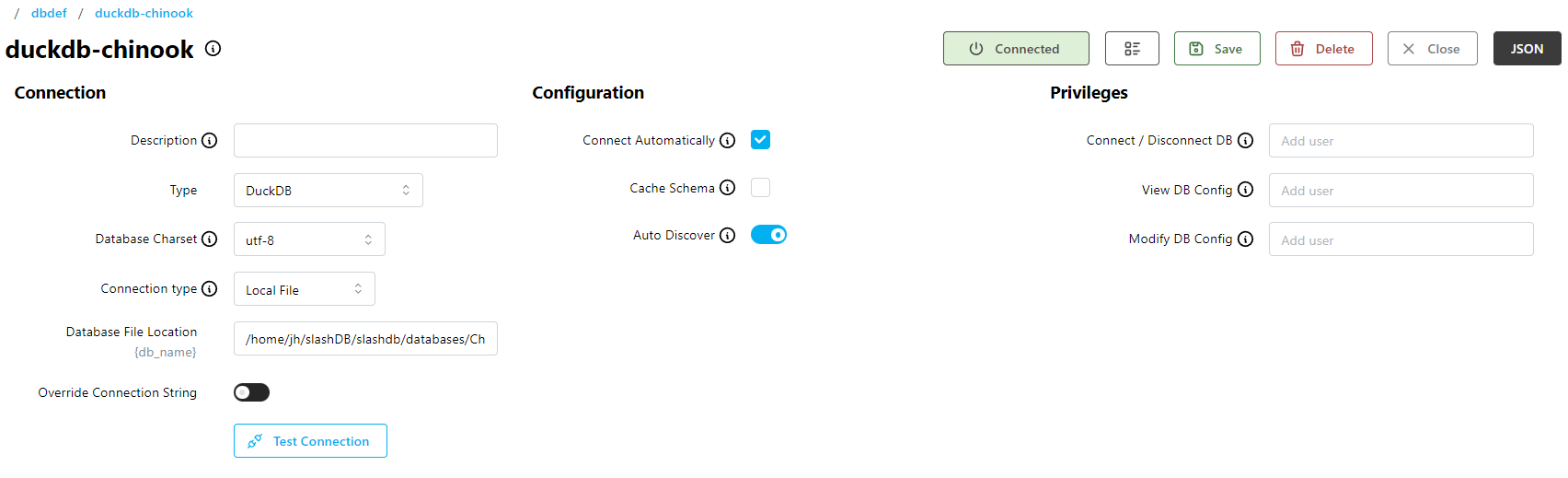
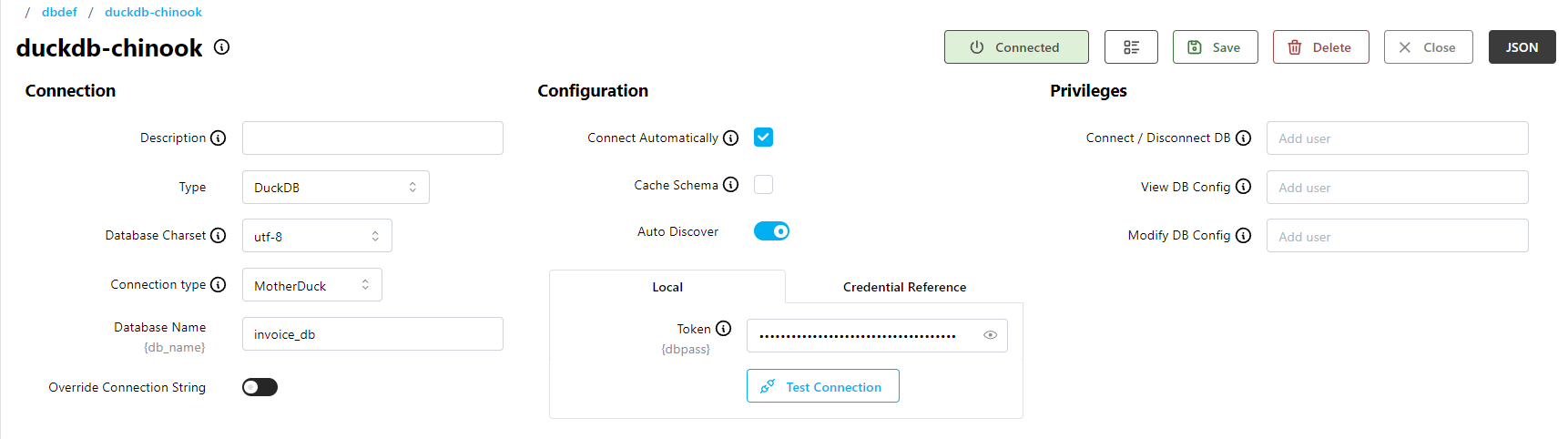
The edit form is divided into three sections: Connection, Configuration, Privileges
Local file:
MotherDuck:
Connection
- Description - an optional description for the connection
- Type - the database vendor type
- Database Charset - the character set used for string types
- Connection Type - Local File or MotherDuck connection
- Database File Location (Local File) - the path to the DuckDB database file on the server
- Database Name (MotherDuck) - the name of the database or share URL on the MotherDuck platform
Configuration
- Connect Automatically - automatically connect to the database whenever SlashDB starts
-
Cache Schema - cache the database schema after the first connection so that subsequent connections complete faster
Important
Whenever your database structure changes, you will need to disable this option, disconnect/reconnect, and then enable it again. If your database structure changes frequently, you may want to disable it entirely.
-
Auto Discover - automatically find all tables and views in your database whenever SlashDB connects
Database Credentials (MotherDuck only)
Pick one of:
- Local - the Database Login and Database Password to use for database reflection
- Credential Reference - the Database Credentials to use for database reflection
Privileges
- Connect / Disconnect DB - users with privileges to control the database connection
- View DB Config - users with privileges to view the database configuration
- Modify DB Config - users with privileges to edit or delete the database configuration
Updating
To update, install a newer version of the package.
Important
After updating the core SlashDB RPM/DEB package, you must reinstall plugins